 Chord Lens
Studio 1.126
Put Chord Lens on your Home Screen.
An Install button at the top right shows the right steps for your phone, iPhone or Android.
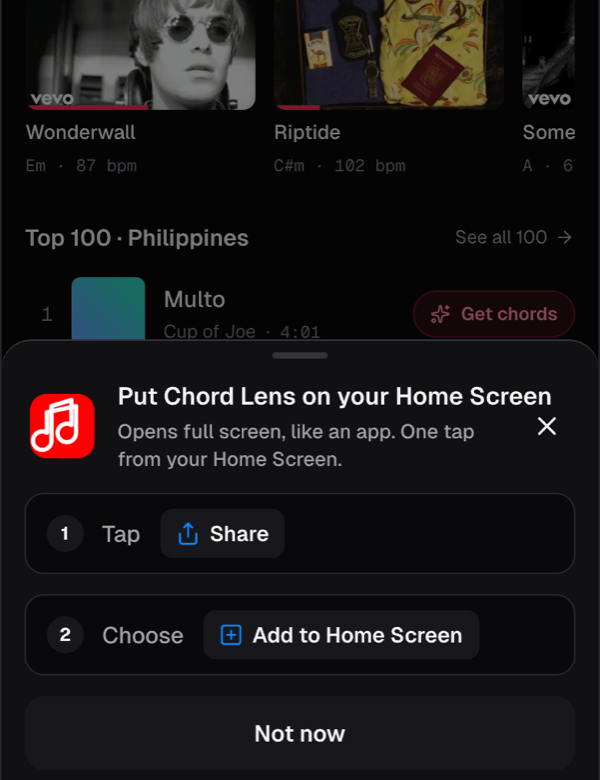
On a phone, an Install button now sits at the top right of the Studio. Tap it and the Studio shows the steps for the browser you’re in.
In Safari on iPhone: tap Share, then Add to Home Screen. In Chrome or another browser on iPhone, it tells you to open the page in Safari first. On Android, Chrome’s own Install app dialog opens.
Once it’s on your Home Screen, Chord Lens opens full screen with your songs. The button never shows in the installed app, and Don’t show again hides it on that phone.