Chord Lens
What’s new
New in Chord Lens. every release, in plain words
What changed in the Studio and the Chrome extension, newest first. Each post says what you can do now and where to find it.
-
Studio 1.132
A new Studio on your phone
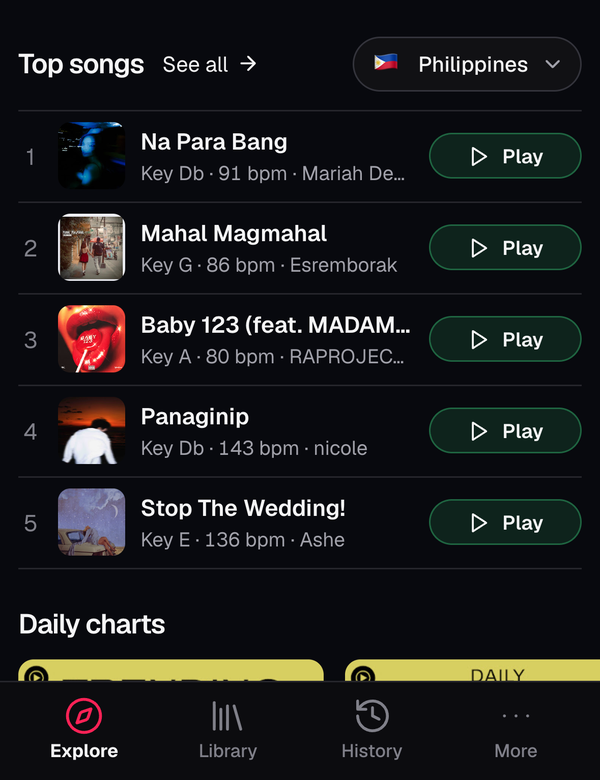
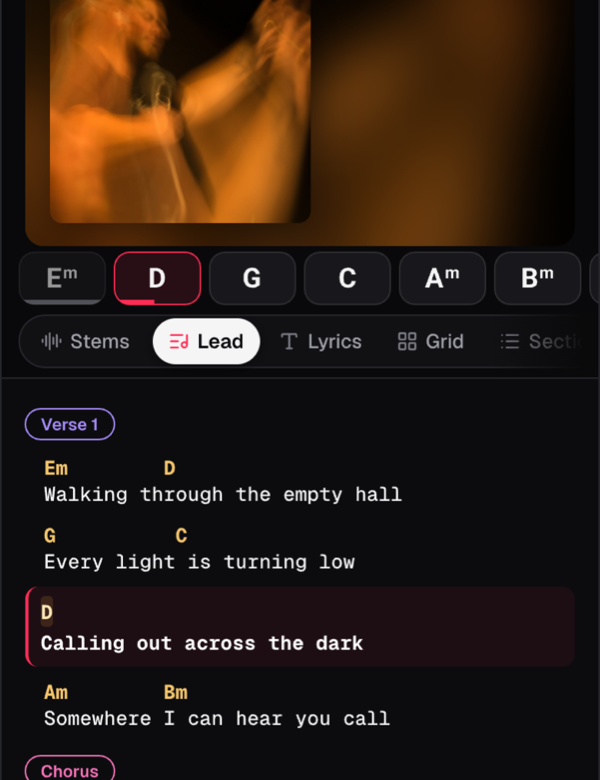
A tab bar, a quicker search, a bell for your songs and a Library built around your setlists.
-
Studio 1.132
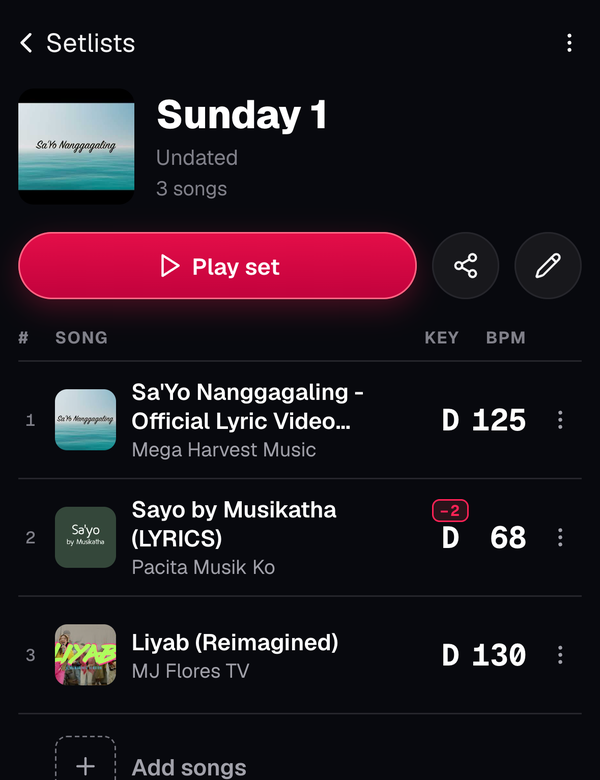
Setlists: plan a set, then play it through
Give each song its own key, capo and note, then play the whole set, Next by Next, even from CarPlay.
-
Studio 1.132
Songs start sooner and play on to the next
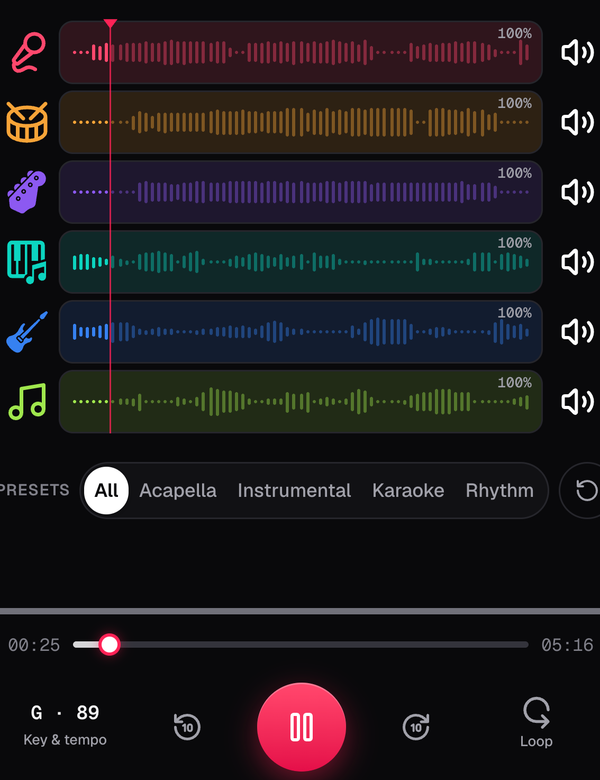
Songs start as soon as the first part arrives, stems match YouTube’s loudness, and a list moves on by itself.
-
Studio 1.132
More room for the song on a laptop
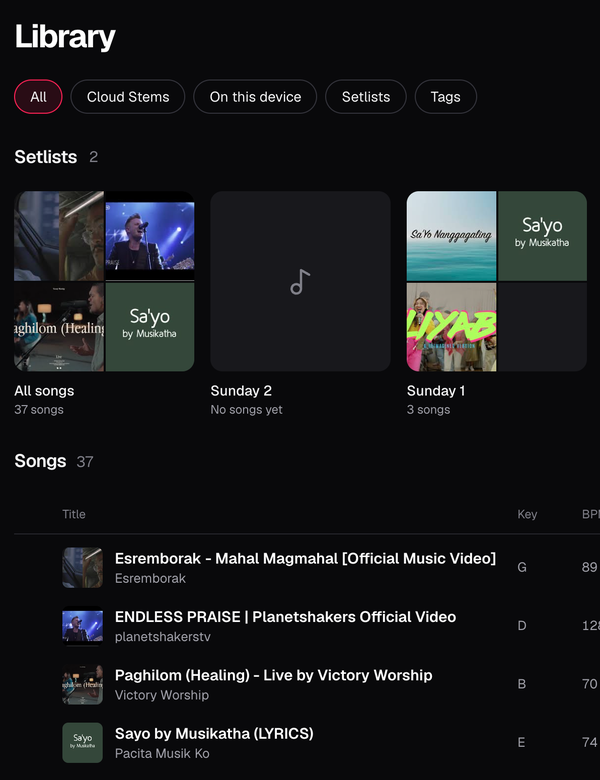
The song page uses the whole window, and the Library is a page of its own with your setlists first.
-
Studio 1.132
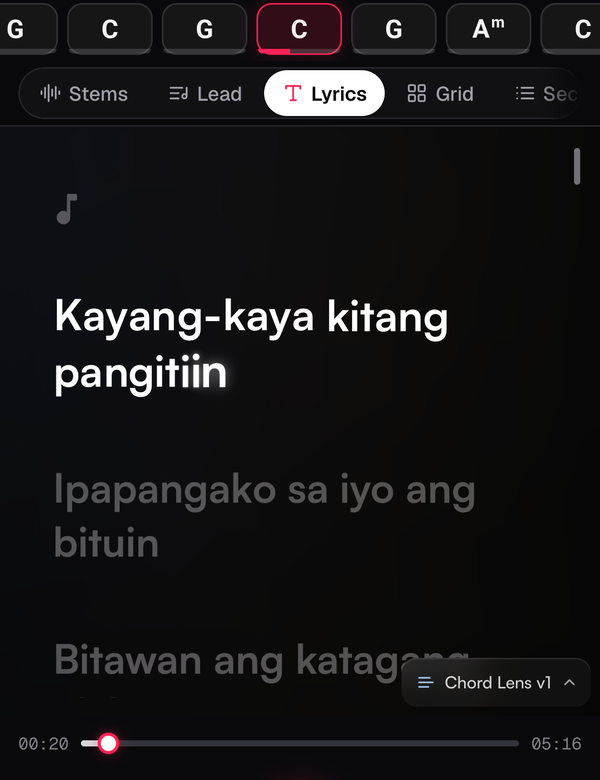
Lyrics on Free, too
Signed in on any plan, Chord Lens now looks up a song’s lyrics for you, Free included.
-
Studio 1.126
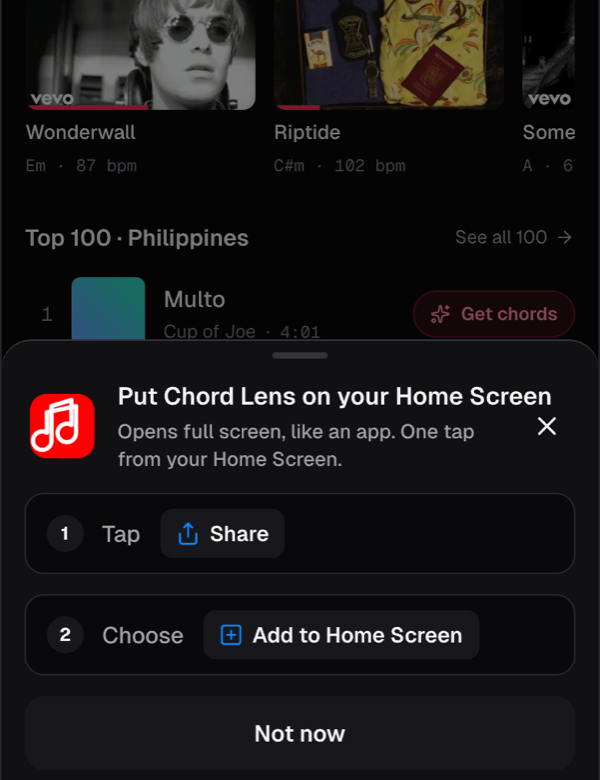
Put Chord Lens on your Home Screen
An Install button at the top right shows the right steps for your phone, iPhone or Android.
-
Studio 1.117
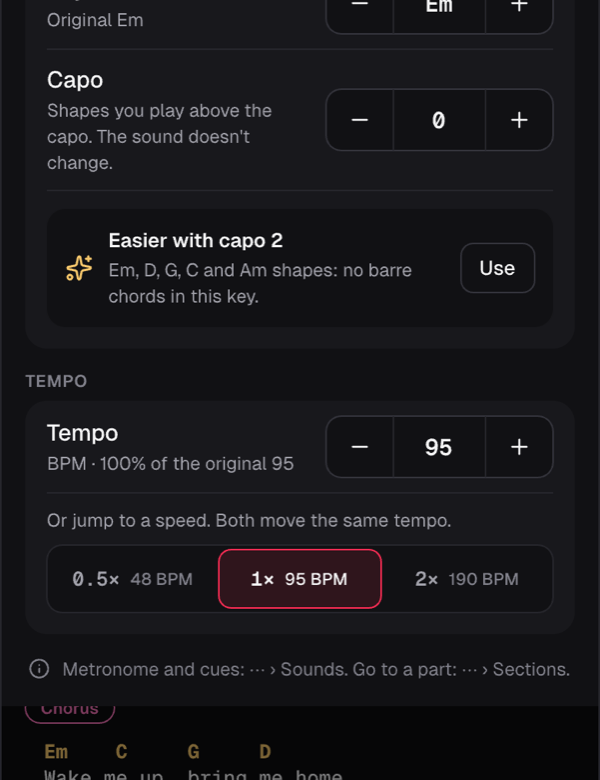
The capo, now on your phone
Key & tempo now has the capo: 0 to 9, or the suggested capo in one tap.
-
Studio 1.116
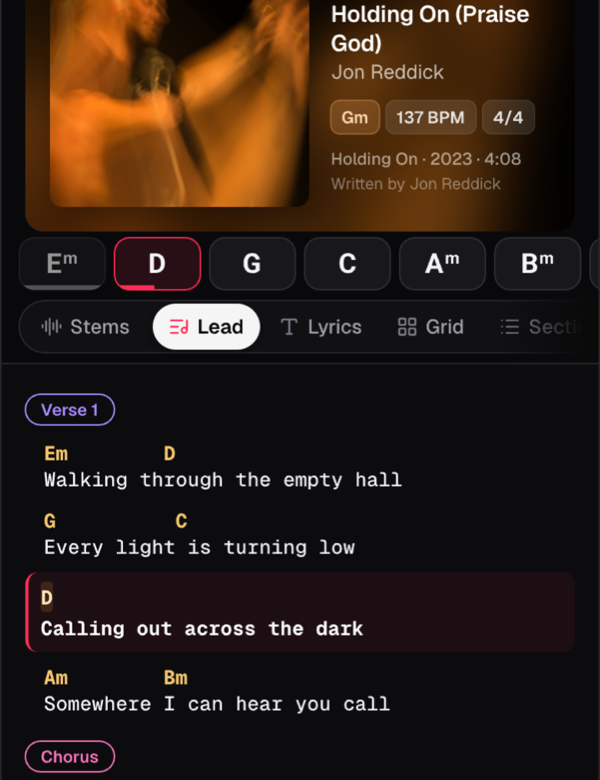
Song info beside the artwork
Title, artist, key and tempo beside the artwork as the song plays.
-
Studio 1.115
Song or Video: you choose what plays
A Song | Video switch: YouTube, or the Studio’s own audio with your mix.