 Chord Lens
Studio 1.115
Song or Video: you choose what plays.
A Song | Video switch: YouTube, or the Studio’s own audio with your mix.
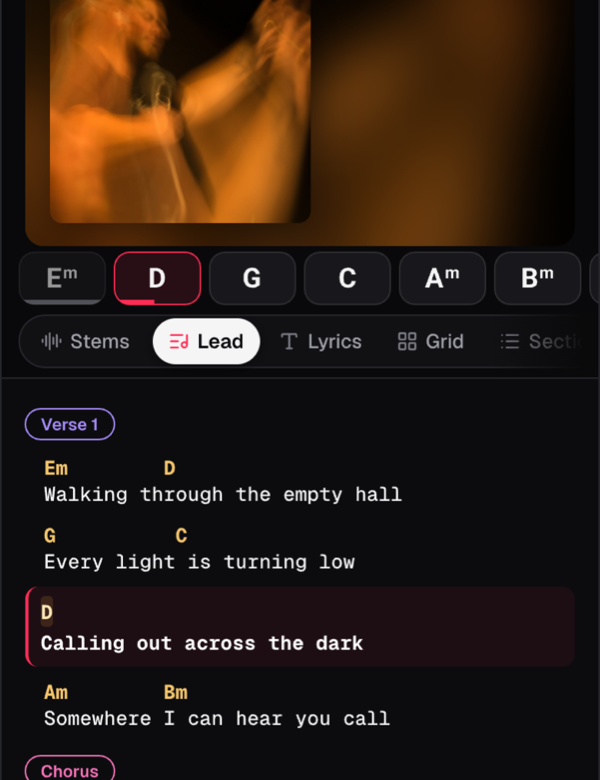
On a phone, a small Song | Video switch sits at the top right of the video. Video plays YouTube. Song plays the Studio’s own audio of the song, so your mix and stems are what you hear, at the same second, key and tempo.
Lock the phone or switch apps and the song carries on as Song, and it is still on Song when you come back. Offline, Song is the only side.
If a song has no audio for Song yet, the Studio says why, with Sign in or Try again.